FireAlpaca SE is the exclusive paint software to Windows / Mac operating system that is widely suitable for beginners to advanced users.
We removed all the advertisements from FireAlpaca freeware version, that enables the faster performance and more stable environment.
FireAlpaca SE 3.0 OFFICIAL RELEASE!!
1. New brush engine
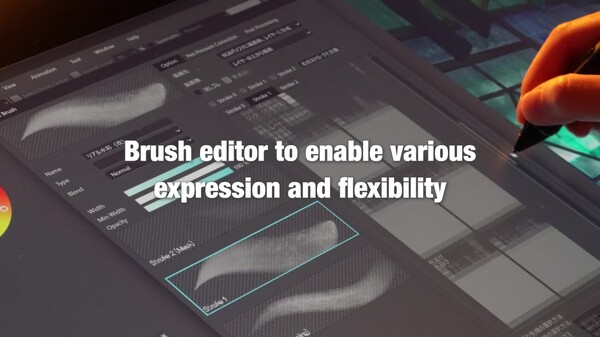
Equipped with a brush editor that greatly enhances expressive power and flexibility,
enabling the following features:
Simultaneous synthesizing of 3 strokes (triple brush)
Clipping and masking of strokes
Flexible brush tip expression (combinations of circles, bitmap textures, and SVG paths)
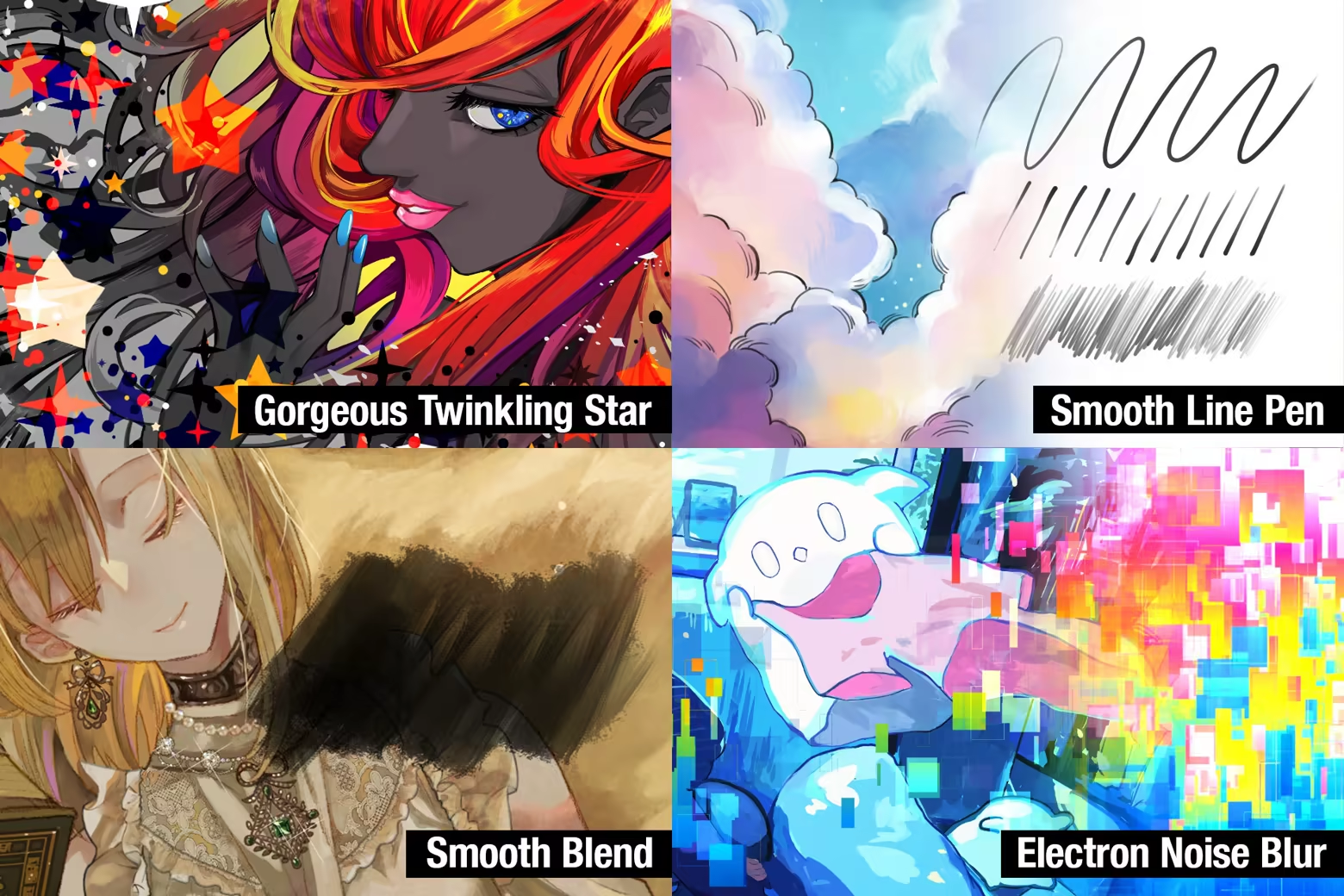
Expressions Enabled by the New Brush Engine.
2. Enhanced Multi-Threading Support
By utilizing our proprietary multi-threading library and parallel allocator, FireAlpaca SE 3.0 fully harnesses many-core processors. Even with large canvases and multiple layers, drawing and transformations remain smooth, while background processes handle differential saving and automatic recovery in parallel. Memory usage is minimized, providing a stable and high-speed environment for long creative sessions. On professional-grade machines, this results in an even more responsive and efficient workflow.
3. New filter system"MFG(Modern Filter-language for GPU)"
It generates HLSL and MSL from the newly developed filter description language "MFG."
In the past, a complied library such as DLL needed to be added as a plug-in in order to add a filter. This method requires preparing a separate library per OS, however some OS doesn't allow to add such library. MFG generates the optimized shader order per OS by writing a filter in the dedicated language. From one source code (filter processing MFG code), it enables the filter processing by utilizing the GPU performance. Without requiring the developing environment, the high-speed processing filter can be developed and added.
4. New file format
In FireAlpaca SE 3.0, a newly designed standard image format has been adopted. It features complete multi-threading support for both reading and writing. As the differential saving allows for low-load and fast saving, it has achieved faster and more stable saving compared to the conventional saving formats.
In FireAlpaca SE 3.0, each ARGB channels have been expanded from the conventional 256 levels to 65,536 levels (when 16bit/ch mode is enabled). This allows for the faithful reproduction of fine gradients and subtle hues while minimizing degradation during color correction and filter application. It achieves a professional-grade color space that can withstand advanced retouching.
5. 16-bit Color Support & Gamma Correction
FireAlpaca SE 3.0 expands each ARGB color channel from 256 levels to 65,536 levels (when 16-bit/channel mode is enabled).
Preserve image quality during color correction and filter processing while achieving smoother gradients and more accurate color reproduction. With support for subtle tonal transitions and professional-grade color precision, FireAlpaca SE 3.0 is ready for advanced retouching and high-quality digital artwork.
6. Project
This feature is ideal for creating works that involve multiple pages or variations, such as manga, brochures, and illustration collections.
By using the ""Project"" feature, you can manage multiple related files together as a single set.
You no longer need to search around for files during your work, and switching between pages becomes smooth. Since the file structure and order are visible at a glance, progress management and revisions can be handled more efficiently.
---------------------
The special features that only FireAlpaca SE has are:
Switchable 2 interface colors (Dark/Right)
Liquify tool
Layer Mask
Special Brushes (Available for download from the brush store)
No advertisement
Only buy outright
No subscription
Automatic update to an improved version
More unique features will be implemented to FireAlpaca SE for the future development.
The distinctive features of FireAlpaca are:
Timelapse*
Brush script function (programmable brush processing)
1 bit / 8 bit layer (can reduce memory consumption)
Onion skin function (allows to create simple animations)
Materials window (work can be done while displaying materials)
Snap function (easy to draw parallel lines, curves, ellipses, saturated lines, etc.)
Smooth brush processing compatible with Wintab tablets
*Below is a timelapse image.
You can follow the trajectory of your creation.
Rich features include:
Layer function (18 kinds of blend modes, clipping, layer folder)
Selection function (rectangle, lasso, selection pen, etc.)
Transformation and free transformation of the selection area (choose 3 types of image quality)
Brush processing such as watercolor, scatter watercolor, bitmap, pattern, etc.
Re-editable text function
Filters such as level correction, hue, Gaussian blur, and cloud patterns