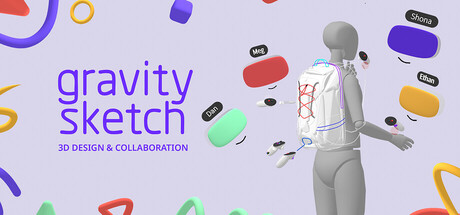
Bring better products to life: Gravity Sketch is an immersive 3D workspace built for ideation and collaborative problem-solving. Explore, and align around 3D ideas at any scale, from anywhere. Test ergonomics and proportions at true scale, gain feedback and make informed decisions faster.
Revenue comes from in-game items and microtransactions, which our price-based model doesn't estimate. Copies below reflect the player base, not paid sales.
Media

About
With Gravity Sketch you can create the way you think, in 3D, and dive into your ideas head first. It provides an intuitive, immersive, and powerful space to bring your ideas to life.
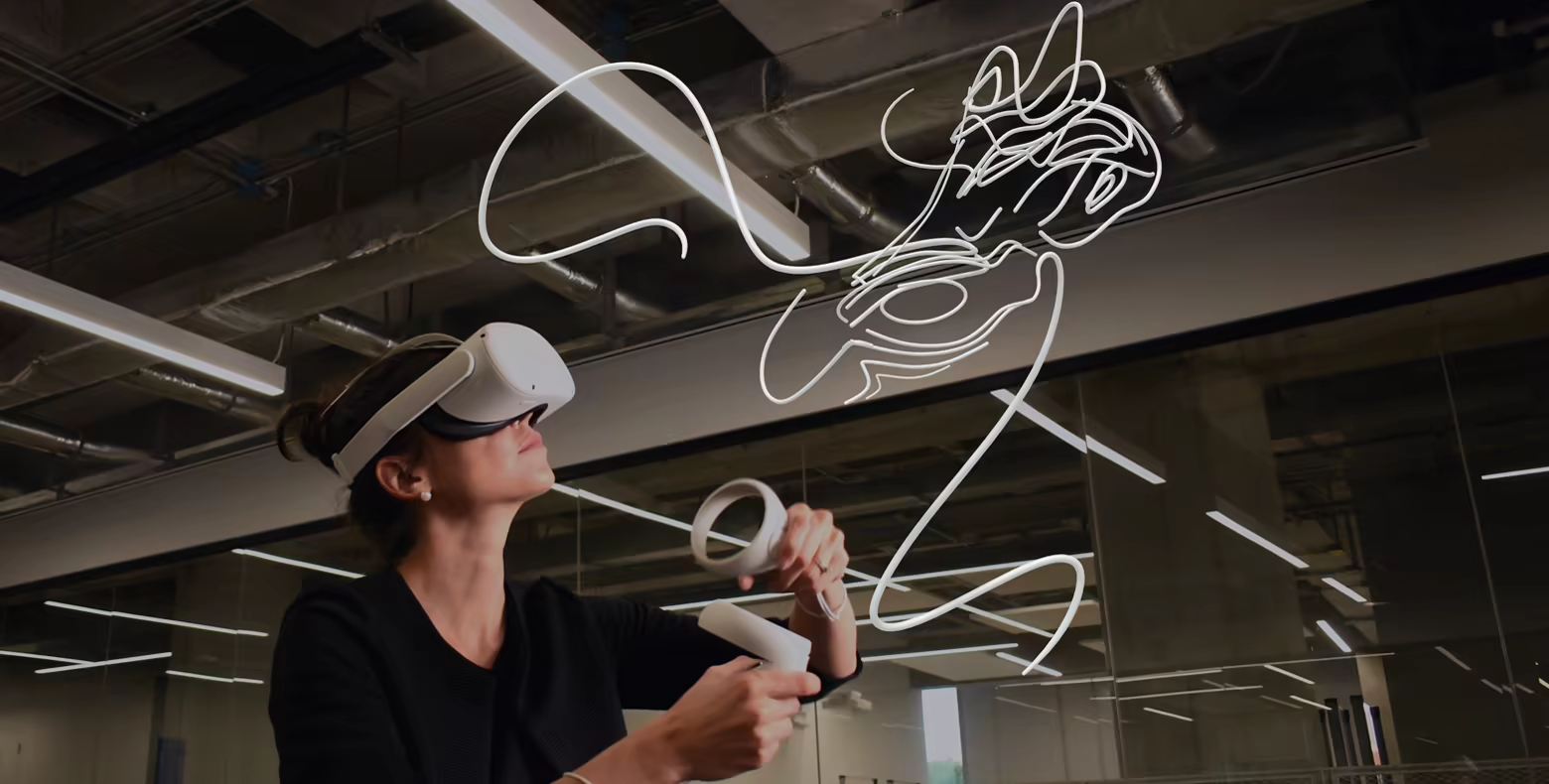
Ever wonder what your creation would look and feel like in true size? Experience and share your creations immersively; walk around designs at scale, shape them with hand gestures, and invite others to create alongside you in real-time. With the freedom of 3D space, collaboration feels as natural and enjoyable as being together in a studio.
Create together and see where your imagination takes you.
Key features
Explore a library of 3D community designs that can be accessed in VR
Gesturally create detailed 3D sketches and surfaces in free space
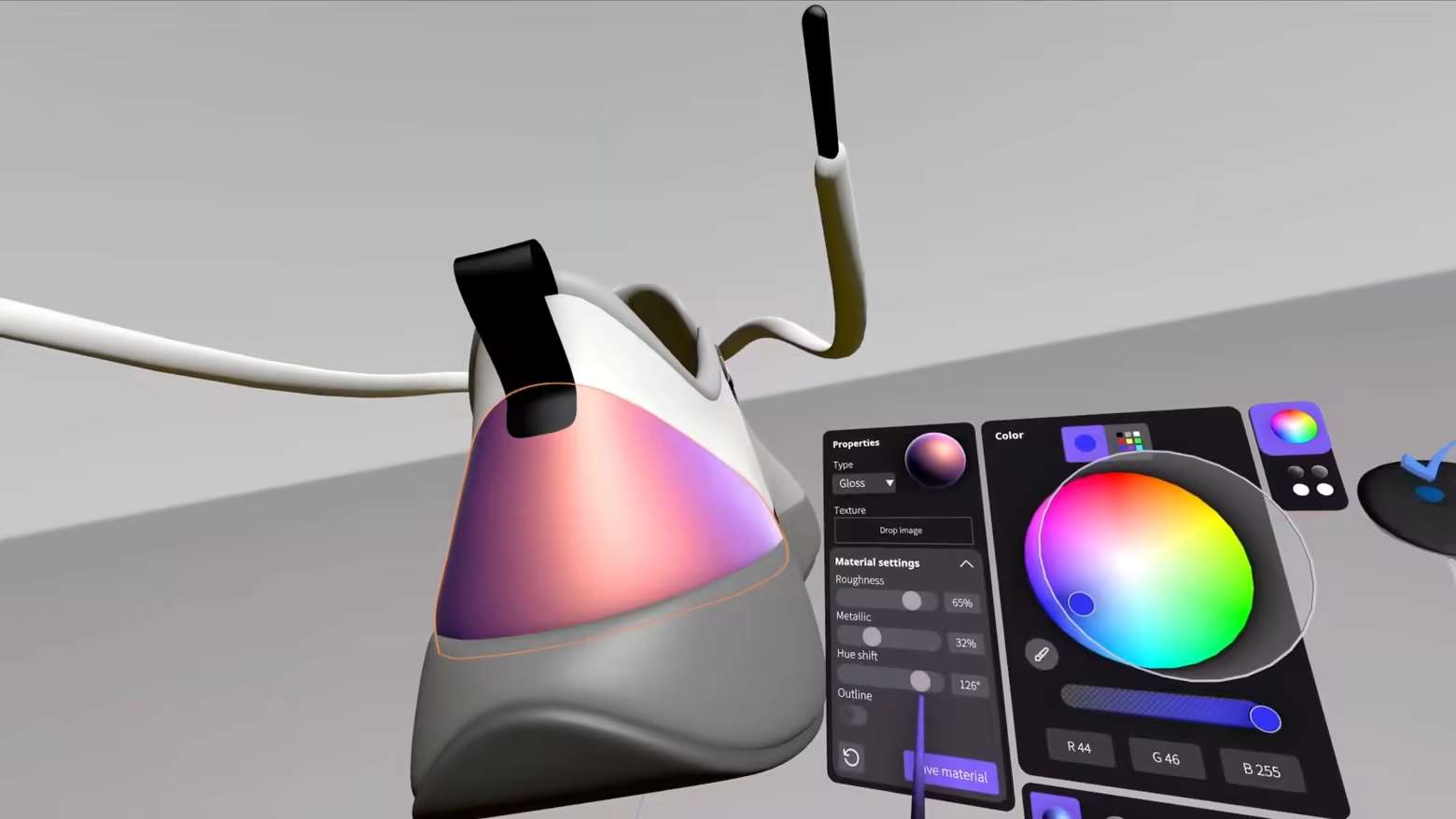
Intuitively apply textures and materials
Use posable mannequins to better understand creations in context
Import images and 3D files for reference in IGES, OBJ, FBX, PNG, JPEG, MP4 formats
Present designs remotely with collaborators joining from VR or screen
Export designs ready for use in downstream tools like Blender
You’ll be joining a community of professional teams, individuals and hobbyists who use Gravity Sketch to bridge the gap between 2D ideas and 3D reality.
Get help: support@gravitysketch.com
General inquiries: hello@gravitysketch.com
Genres
Stats
All-time low is the lowest price we've recorded for this game since we started tracking it.
Languages: English, German, Spanish - Spain, Japanese
Engagement
Hours played at review time, across 40 reviews with recorded playtime.
Reviews
Simply an amazing tool!
jeśli chcesz po prostu coś narysować bez dążenia do perfekcji polecam
Its intuitive, Drawing in 3D with it is really fun! its like tilt brush but way more professional and robust. I really recommend this and hope more people try it! They have an interactive tutorial series now, which I find a better way to learn than just videos. Especially because you do it all within the program (instead of having to go in and out of the headset to look at a video on your computer monitor.
super awesome tool to put your imagination to the test , It takes time to learn but once you overcome that hurdle Its limitless ! I love the community aspect where you can download other creators files and implement them into your own creations or just learn from others through that feature! i have 33 hours invested and still have things to learn but i feel as a creationist this is heaven , Ive created shoes to dream cars to even making safety vehicles and whole scenes using this ! i never had any experience with 3d modeling before this came out i always wanted to learn blender but it felt overwhelming this makes it so much easier to get ideas out ,I also think its cool that the devs made it so easy to export files because if i wanted to make 3d prints i could ! I also enjoy the collaborative aspect where my gf and i can hop in a server and work side by side in real time and create!
Some controls are not intuitive or eplxained, like switching to mixed reality mode on Quest. The very first thing I wanted to do was see if I could draw things in my space. I also wanted to try it on Steam, but playing through SteamVR, the controllers are oriented incorrectly and it's unusable.
Weirdly intuitive, seems usefull for some quick 3D sketching
Cannot and will not recommend. You are here to learn how to model and/or want to make your meshes in 3D, while sketching them prior? Well, go look further! I really mean it. Go and look further for polygonal model engines, because this one here ain't it! They yeeted the very basic "add vertices" behind the paywall. You are NOT able to add and form your complex structures. First I thought, during the learning books, about how to move and how to get along with the controls, that adding new vertices onto your sketch lines was bugged, because the videos weren't loading at all after bugging (glitching video on loop for the last 1 second), but no, the application will NOT allow you to place them at all. I was sketching a basic goose, same issue here, no additional points in between the existing points. You can still copy and extend the line, sure, but you cannot make it more complex if already existent. Same goes for any kind of mesh. You are not able to add loop, edge or any cuts to it. You cannot add any vertices to it, you can only move existing ones. This is definitely a waste of time. I rather stick to blender than messing around with this. This application shouldn't be available for free, as it offers no value at all!
+++
Тоже покупал эту программу на старте, вроде бы за 2000 руб... Потом её сделали бесплатной. Программа интересная, смоделировал несколько прикольных штук с помощью неё. Особенно клёво делать в ней ретопологию, лежишь на диване и ретопишь ( ╹▽╹ ) Сегодня решил помоделить, а там какая-то регистрация появилась, это ладно, зарегался на сайте, но за логиниться в самой программе, если ты в России - НЕВОЗМОЖО. Поэтому пишу негативный отзыв. Что за регистрация? Нафига? Акцтой какой-то! Разработчики, очнитесь там, алло! ))
YES
Related
Related
Trends
Modeled estimate over time.
Momentum
Pace estimated from the game's recent review growth (our daily snapshots) at its own sales-per-review ratio — a momentum signal, not booked sales.
Audience
Estimated from the language of this game's reviews — a proxy for where players are, not official Steam demographics.